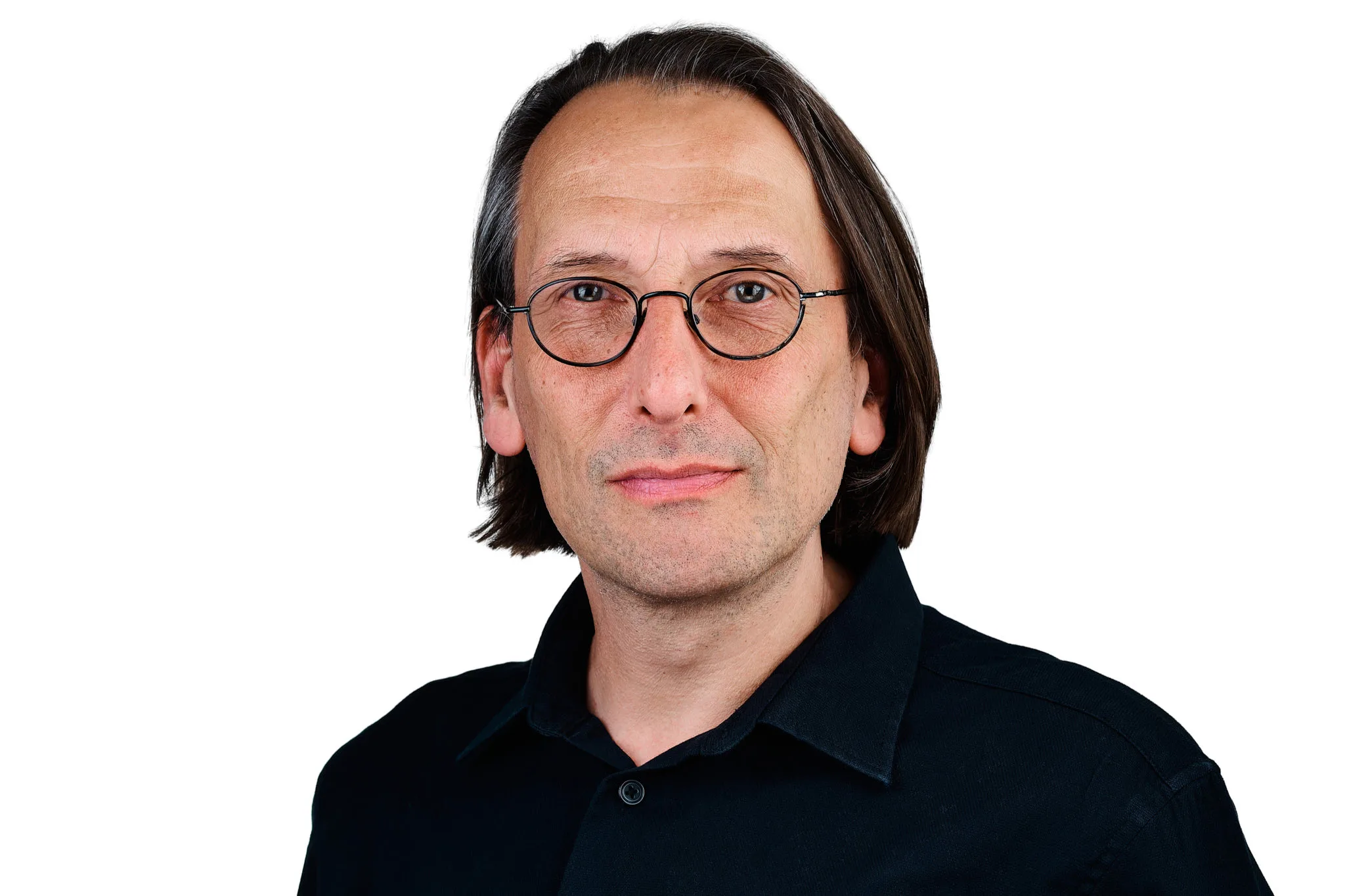
In March 2026, I worked at the Century City offices of LevelUP HCS, photographing 25 team members for a new set of on-location corporate portraits. Every shot was captured using a tethered workflow, with each team member reviewing and approving their own image on screen before moving on. This post covers how that process works, why it produces better results than untethered sessions, and what the finished set looked like for a team of this size.
For the full story of the ongoing relationship with LevelUp HCS, including the October 2024 session with House of Vizion, see the LevelUp HCS case study.
What Is Tethered Headshot Photography?
Tethered photography means the camera is connected, via cable or wireless, to a laptop running software such as Lightroom or Capture One. Every image is transmitted to the laptop the moment the shutter fires. Both the photographer and the subject can see the image on screen within one to two seconds of it being taken.
This is different from an untethered session, where images remain on the camera’s memory card until the end of the day. With tethered photography, review happens in real time. The subject is still in position when the image appears, which means posture or expression adjustments can be made immediately, while the setup is still live. For corporate headshots, this changes the dynamic of the session considerably.
How It Works During a Team Session
The setup is straightforward on the day. A laptop is positioned just off to the side of the set, screen angled so both the photographer and the subject can see it clearly. As each frame is captured, it populates on screen automatically.
In the LevelUP HCS session, each team member could see exactly how their portrait looked immediately after each frame. If the expression felt slightly forced, they could see it and ask for another take. If the framing was slightly off, it was visible and fixable in the moment. Most people, even those who are confident in front of a camera, find something they want to adjust when they see themselves on screen.

There is a secondary benefit that matters for larger teams. Team members waiting for their turn often gather around the laptop to watch. This tends to relax the group before they step in front of the camera, because the process feels transparent rather than opaque. By the time most people sit down for their own portrait, they have already seen how the lighting works and what makes a good frame. The result is faster, more natural sessions per person.
LevelUP HCS is a global leader in talent acquisition and contingent workforce solutions. Their Cape Town office, described as a Centre of Recruiting Excellence, serves clients across Financial Services, Technology, and Healthcare.
What It Produces: Consistency at Scale
One of the core challenges of photographing a corporate team is consistency. A set of portraits that will be used together on a website, LinkedIn company page, or annual report needs to read as a unified collection, regardless of how different each individual’s natural expression or energy might be.
Because the image appears on screen immediately, any inconsistency in framing, lighting, or crop is visible before the subject leaves the set. Small adjustments are made in the moment rather than discovered in post-production.


For the LevelUP HCS session, the same background, lighting ratio, focal length, and crop were held across all 25 portraits. The team includes members in branded LevelUP shirts as well as individual professional attire, but the images read as a set because the photographic standard is consistent throughout.
The Complete Team
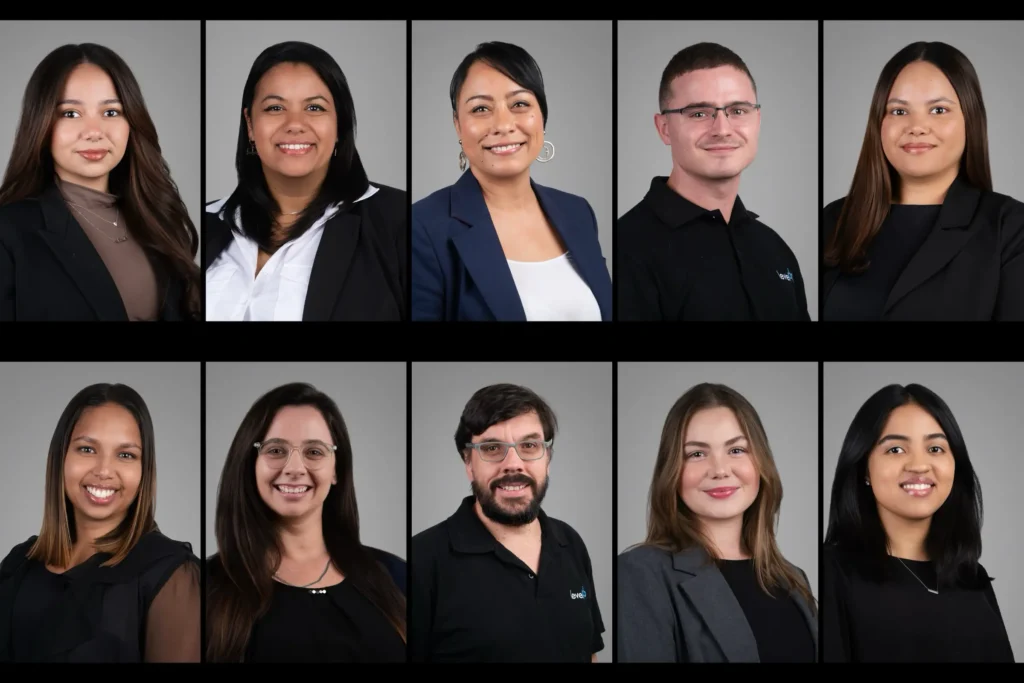
LevelUP HCS is a global talent acquisition and contingent workforce solutions business. Their Cape Town office, based at The Business Exchange in Century City, operates as a Centre of Recruiting Excellence serving clients across Financial Services, Technology, and Healthcare. For a business in talent acquisition, how the team presents itself to candidates and clients carries real weight. A consistent, professional image set is part of the credibility that supports the work.
On Location at Century City
Working at the client’s offices removes all travel friction from the team’s day. Equipment is assembled in a boardroom or open office area on arrival, and team members come through individually on a rotation coordinated with their existing schedule. For a team of 25, a full day is sufficient, with a short setup period in the morning and a brief pack-down at the end.
Jürgen’s Photography photographs corporate teams on location across Cape Town regularly, from the V&A Waterfront and the CBD to Century City and the Northern Suburbs. The tethered setup is fully portable and requires only a power source and a clear space of roughly four by four metres.
Frequently Asked Questions About Tethered Headshot Photography
What is the difference between tethered and untethered headshot photography?
In an untethered session, images stay on the camera’s memory card and are only reviewed after the shoot ends. In a tethered session, each image is sent to a laptop the moment it is taken, so both the photographer and the subject can review it immediately. For corporate headshots, tethered sessions produce more consistent results because adjustments are made in real time rather than discovered in editing.
Does a tethered setup slow down the session?
Not in practice. The transmission from camera to laptop takes one to two seconds and happens in the background while the photographer prepares for the next frame. Sessions with tethered review typically run at a similar pace to untethered sessions because the time spent on review per person is offset by needing fewer retakes. For camera-confident subjects, the pace is often faster.
Can every team member really choose their own best image on the day?
Yes. After a short run of frames, the team member views the images on the laptop and nominates their preferred shot. The photographer flags this in Lightroom or Capture One before moving to the next person. This removes post-session back-and-forth about image selection and means each person leaves the set having already made their choice.
What equipment is needed to shoot tethered?
A USB or wireless connection between the camera and a laptop running tethering-capable software such as Lightroom Classic, Capture One, or the camera manufacturer’s own app. The laptop needs sufficient processing speed to handle the file sizes in near real time. For on-location sessions, a portable monitor stand or laptop arm keeps the screen visible to the subject without interrupting the set geometry.
Is tethered photography suitable for all team sizes?
Yes, though it is particularly valuable for larger teams where consistency across the set matters most. For a team of five, a short untethered session with review at the end is manageable. For a team of 15 or more, tethered review on the day is the better approach because it catches inconsistencies before they multiply across the full set. Details on scheduling and per-person rates are on the team headshots page.
Book a Tethered Team Headshot Session in Cape Town
Jürgen’s Photography works with corporate clients across Cape Town. All on-location team headshot sessions include a tethered workflow as standard, so every team member leaves the set having approved their own image. The same tethered review runs in the Woodstock studio for individual professional headshots.
Get in touch: jurgen@jurgen.co.za | Portfolio: www.jurgen.co.za
Photography by Jürgen’s Photography | www.jurgen.co.za